
 Book a Meeting
Software Deployment Process: Steps, Tools, and Best Practices (2026 Guide)


After several days, your product update is finally ready. The code is rock solid, and all eyes are on your team to push it live. But just before the launch, a configuration glitch hits. And now, your Slack is full of alerts. This scenario is a classic example of poor software deployment.
Today, 83% of developers actively participate in DevOps activities. Why? To avoid the same scene you read earlier.
Simply put, software deployment is about making software ready and available for use. It involves releasing, installing, and configuring an app on its target environment. If you do this activity right, you can ensure consistency, deliver value to users, and reduce errors.
In this guide, we aim to explain the concept, tools, and practical steps to deploying software. So, read on to avoid configuration glitches and plan a well-structured deployment.
What Is Software Deployment?

At its core, software deployment is the process of getting your code out of the development environment and into the hands of real users.
Whether you’re launching a new feature or rolling out an entire platform, deployment is the step that determines success or failure. But, understand this:
- Software deployment isn’t completely technical
- It’s a critical process for your business
One wrong step can lead to downtime, data loss, security breaches, or customer churn. And if you think it’s only the development team’s problem, think again. Deployment affects time-to-market, operational stability, user experience, and ultimately, your bottom line.
In simple terms, this process is the culmination of your project. You need to ensure that you end it on a high note.
There are several types of software deployment:
- Manual
- Automated
- Rolling
- Blue/green
- Canary
Regardless of the types, the goal remains the same: push updates or new applications into production smoothly. The method you choose depends on your infrastructure, team maturity, and the level of risk you’re willing to tolerate.
In short? If you’re not paying attention to how your organization handles deployments, you’re ignoring a major lever for speed, stability, and scale.
A Quick Look at the Major Types of Software Deployment
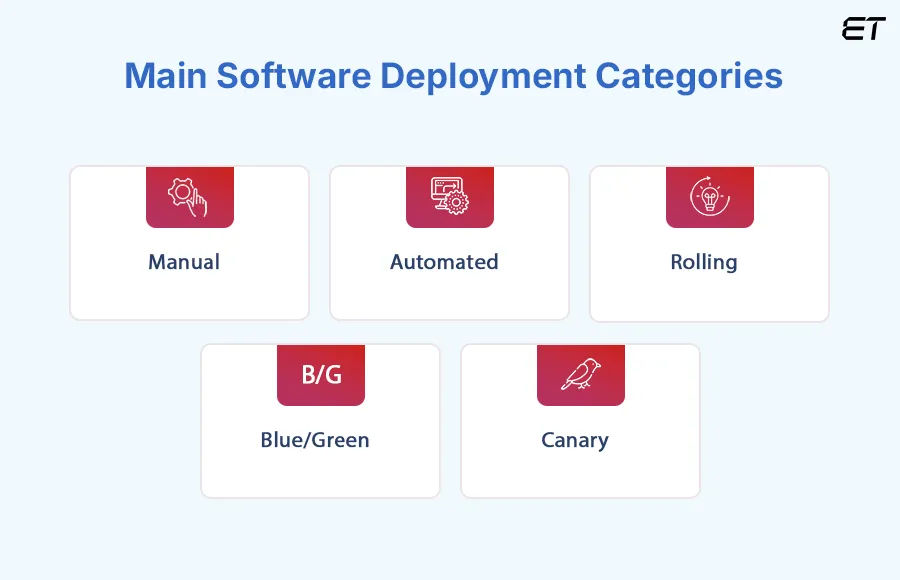
Before we delve into the ‘why’ of modernizing your software deployment process, let’s examine the major approaches teams employ today. To save time, we prepared a table for you.
| Type | What It Means | The Trade-Off |
| Manual | Deployment is done by humans. | Error-prone, slow, and hard to scale. |
| Automated | Uses tools and scripts to deploy code automatically (CI/CD pipelines). | Fast and consistent, but needs upfront setup and solid testing. |
| Rolling | Updates servers or containers one at a time, reducing downtime. | Lower risk of complete failure, but tricky to roll back mid-way. |
| Blue/Green | Runs two environments (blue & green). | Great for zero-downtime releases, but increases infrastructure cost. |
| Canary | Releases to a small user group first. | Smart for testing in production, but needs a monitoring setup. |
So, which software deployment method makes sense for your team?
- Manual Deployment: Best suited for very small teams or one-off updates, but is prone to human error and delays.
- Automated Deployment: Ideal for teams aiming to scale fast and release frequently, with minimal manual intervention.
- Rolling Deployment: Great for updating systems gradually without major downtime.
- Blue/Green Deployment: Perfect for mission-critical apps where zero downtime and instant rollback are non-negotiable.
- Canary Deployment: Best for teams that want to test new features in production with minimal risk and real-user feedback.
Each deployment type has its use case, but choosing the right one isn’t just a technical decision. It’s about aligning your release strategy with your business priorities, team capabilities, and risk tolerance.
That’s precisely why it’s time to take a closer look at how software deployment is evolving.
The Software Deployment Process
Deploying software involves a carefully planned sequence of stages that turn code into a working product. Here’s what a well-structured software deployment process looks like.
1. Planning and Assessment
Before your software goes live, you need a clear deployment plan.
This stage involves:
- Defining goals.
- Identifying potential risks.
- Understanding the target environments (production, staging, or testing).
You should outline timelines, rollback procedures, and responsibilities. Overall, this stage serves as the blueprint for your deployment process.
2. Configuration and Testing
Once the plan is set, the next step is to configure your application and run pre-deployment tests.
In this stage, you set up servers, databases, and permissions while ensuring that your build works across environments. Most DevOps teams now rely on automated testing within CI/CD pipelines to catch issues early and maintain consistency.
3. Deployment
This is where your software finally moves from staging to production. Depending on the deployment type, you can release the new version to users gradually or all at once.
Automation tools like GitHub Actions, GitLab CI/CD, or ArgoCD make this stage faster and reduce manual errors.
4. Monitoring and Maintenance
Monitoring system performance, tracking user behavior, and identifying post-deployment issues are critical.
You should use monitoring tools and alert systems to detect errors early and roll back quickly if needed. This step ensures stability and improves the overall reliability of future deployments.
The Top 4 Software Deployment Tools in 2026
Now that you’ve seen what a strong deployment process looks like, let’s talk about the tools that make it happen.
| Tool | Best For | Key Features | Pricing |
| GitHub Actions | Small to mid-size teams using GitHub | Native CI/CD, YAML workflows, easy automation | Free + Paid tiers |
| GitLab CI/CD | Full-stack dev teams needing flexibility | Built-in CI/CD, Docker/K8s support, version control | Free + Premium |
| Octopus Deploy | Enterprises with .NET or hybrid stacks | Visual pipelines, environment management, and role-based access | Paid |
| ArgoCD | K8s-native teams practicing GitOps | Declarative deployments, real-time sync, multi-cluster support | Open-source |
Now, let’s break down each of these software deployment tools briefly.
1. GitHub Actions
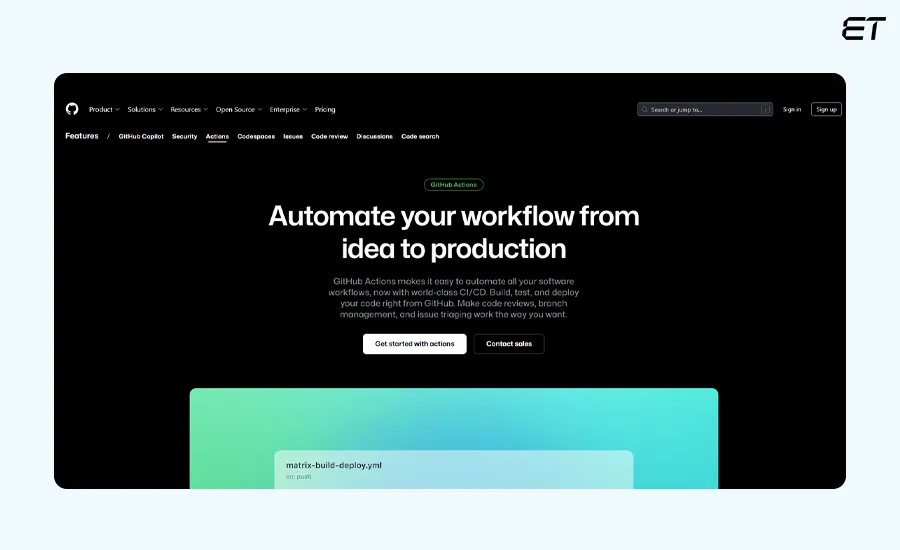
GitHub Actions is a native CI/CD tool built into GitHub. It allows developers to automate build, test, and deploy workflows directly from their repositories.
It’s lightweight, developer-friendly, and ideal for teams who want fast automation without managing external infrastructure.
This software deployment tool has the following main features.
- Native GitHub integration: You can trigger workflows on pushes, PRs, tags, or schedule-based events.
- Reusable workflows: It’s possible to modularize automation logic across multiple repositories.
- Huge marketplace: The tool has an extensive community support.
- Multi-environment support: You can configure jobs for development, staging, and production deployments.
Here are the pros and cons:
| Pros | Cons |
| All-in-one DevOps platform (code + CI/CD + monitoring) | Slightly steeper learning curve for non-DevOps users |
| Supports self-hosted and cloud deployments | UI/UX can feel bulky for simpler workflows |
| Flexible pipeline definitions using .gitlab-ci.yml files | Some advanced features locked behind paid tiers |
All in all, you can use GitHub Actions if your codebase is in GitHub.
It’s a great fit for startups and mid-size organizations looking to keep their CI/CD stack simple, and cost-effective.
How is GitHub different than GitLab? Stop wondering. Read the in-depth comparison.
2. GitLab CI/CD
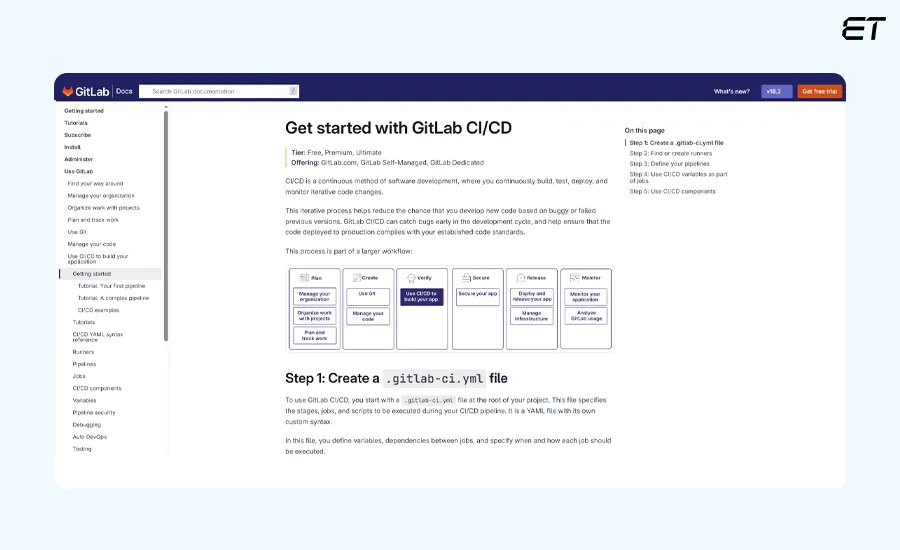
GitLab CI/CD is a built-in continuous integration and deployment platform. It allows teams to manage their entire software lifecycle without jumping between tools.
Here are some of the main features of this software deployment tool:
- Auto DevOps pipelines: It auto-detects your tech stack and sets up pipelines for you.
- Docker + Kubernetes native: You can deploy to containerized environments right from the pipeline.
- Integrated security and code scanning: It’s possible to catch vulnerabilities during the CI/CD process.
- Multi-stage pipelines: You can break down your pipeline into test, build, deploy, and review stages.
Now, let’s consider the pros and cons.
| Pros | Cons |
| Easy to set up, especially for GitHub users | Not ideal for large-scale enterprise deployments |
| Rich action marketplace saves setup time | Limited debugging experience compared to other tools |
| Scales well for small to mid-size projects | Requires YAML fluency, which some teams may dislike |
You can use GitLab CI/CD if you’re already part of the GitLab ecosystem, or if your team prefers an all-in-one platform that handles both version control and CI/CD.
It’s an excellent match for mid-size to large development teams.
3. Octopus Deploy
Octopus Deploy is a deployment automation and release management tool built for enterprise-grade software delivery. It excels at positioning complex deployments across multiple environments.
The main features of this software deployment tool are:
- Visual deployment pipelines: It’s a good tool to design release flows with clear visibility and logic.
- Environment-specific configurations: You can handle variables and secrets securely per environment.
- First-class support: This tool is auxiliary for .NET, Azure, AWS, Linux, and Kubernetes.
- Manual intervention and approval steps: It’s great for compliance-heavy orgs and audit trails.
The advantages and limitations of Octopus Deploy are:
| Pros | Cons |
| Excellent for release coordination across environments | Not a full CI/CD platform |
| Enterprise-grade access controls and audit logs | The pricing can be out of scope for some teams |
| Visual UI makes complex workflows easier to manage | Can feel heavy for lightweight or fast-moving development teams |
Overall, you can use Octopus Deploy if you’re operating in a compliance-driven environment. It’s best suited for mid-to-large-scale software teams using .NET or hybrid cloud setups.
4. ArgoCD
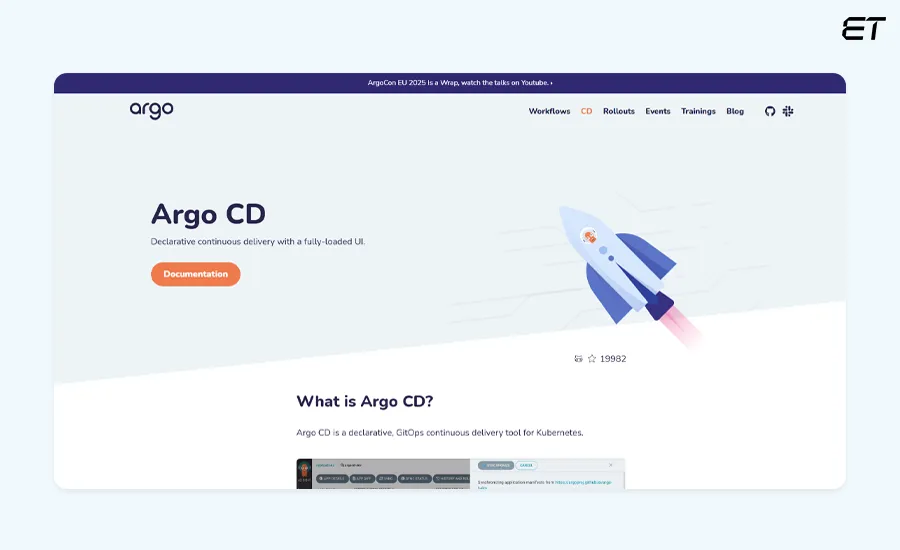
ArgoCD is a declarative, GitOps-based continuous deployment tool for Kubernetes. It automates application delivery by syncing your K8s environments with Git repositories.
Here are the main features of this software deployment tool:
- GitOps-style syncing: It automatically applies changes from Git to your clusters.
- Real-time status monitoring: This tool instantly detects if environments drift from the Git repository.
- Multi-cluster support: You can manage deployments across multiple K8s clusters from a central UI.
- RBAC and SSO: It features fine-grained access control, which is essential for larger organizations.
Take a look at the advantages and limitations.
| Pros | Cons |
| Clean GitOps model reduces configuration issues | Only works with Kubernetes |
| Provides real-time visibility into deployment state | Initial setup can be complex for K8s newcomers |
| Scales beautifully for multi-team, multi-cluster setups | Requires Git discipline to avoid unintentional rollouts |
You can use ArgoCD if you run apps on Kubernetes and want a declarative, GitOps-first deployment process. It’s a go-to tool for cloud-native teams and platform engineers.
Best Practices for a Successful Deployment

To ensure your deployments run smoothly, follow these best practices that help teams maintain consistency, minimize downtime, and speed up release cycles.
1. Implement Automated Deployment Pipelines

Manual deployments might seem manageable at first, but they’re slow, inconsistent, and error-prone. Today, automated software deployment pipelines ensure consistency, speed, and traceability. With CI/CD tools, teams can ship code faster, test continuously, and roll back safely when needed.
Automated software deployment solves this issue by bringing:
- Consistency
- Speed
- Accountability
With CI/CD pipelines, you can ship code faster, test continuously, and catch issues early.
So, start small if necessary. For instance, you can automate staging first, then scale it up. But don’t make the mistake of skipping automation of your software deployment process.
Pro Tip: Set up your CI/CD pipeline to automatically block deployments if unit test coverage drops below 80% or if critical files change without approval.
2. Choose the Right Software Deployment Tools

Not all software deployment tools are created equal. Some handle simple automation within your CI/CD pipeline, while others orchestrate large-scale, multi-environment releases.
- For smaller teams, GitHub Actions or GitLab CI/CD may be enough.
- For infrastructure-heavy projects, ArgoCD, Octopus Deploy, or Harness offer advanced control and visibility.
The best deployment tool is the one that fits your workflow and reduces manual overhead.
3. Create a Software Deployment Checklist

A software deployment checklist is one of the most reliable tools for preventing downtime.
Your checklist should cover:
- Pre-deployment: Code merged, tests passed, approvals secured.
- Deployment: Configuration files verified, services pre-warmed, environments synced.
- Post-deployment: Monitoring active, rollback plan ready, logs validated.
Automating parts of this checklist through CI/CD gates or internal scripts can reduce human error.
4. Monitor and Optimize Post-Deployment

Post-deployment monitoring is your early warning system. It helps teams identify issues before users notice them.
Track metrics like error rates, latency, and user behavior to ensure stability.
Tools like Prometheus, Grafana, Datadog, and New Relic provide real-time insights and alerts that keep your deployments healthy.
5. Create a Cross-Functional Deployment Culture

Successful deployment is a team effort. Developers, QA engineers, and product managers all play a role in ensuring smooth, consistent releases.
Cross-functional collaboration leads to faster testing, clearer requirements, and fewer post-release issues. When everyone understands the impact of a deployment, the process becomes predictable, efficient, and scalable.
Common Challenges in Software Deployment (and How to Avoid Them)
Even with the best tools and checklists, deployments can go askew. Here are a few usual suspects:
- Environment mismatches: Code works in staging but breaks in production.
- Fix: Standardize environments with containers or Infrastructure as Code (IaC).
- Poor rollback plans: Teams panic when bugs hit production.
- Fix: Always keep a versioned backup or automated rollback ready.
- Manual steps: Every manual click increases the risk of human error.
- Fix: Automate everything that repeats.
- Lack of monitoring: You can’t fix what you can’t see.
- Fix: Real-time metrics and alerts are your best insurance.
In short, plan, test, and monitor for seamless software deployment.
Conclusion
When done right, software deployment becomes a system for reliability, speed, and confidence.
A streamlined deployment process helps you:
- Deliver updates faster without compromising quality.
- Minimize downtime and prevent costly production errors.
- Boost collaboration between DevOps, QA, and development teams.
- Increase user satisfaction with consistent, stable releases.
- Strengthen security by reducing manual steps and misconfigurations.
In short, smart deployment practices make your SDLC smoother, your teams more productive, and your users happier. So, automate where it matters, monitor what counts, and choose tools that align with your release goals.
Take software deployment to the next level with developers who collaborate fluently.
Frequently Asked Questions
1. What is the difference between software deployment and software release?
Software deployment is the process of installing, configuring, and enabling software in a target environment. A software release refers to making that version available to end users.
2. What are the best software deployment tools for automation in 2026?
The top tools for automated software deployment in 2026 are GitHub Actions, GitLab CI/CD, Octopus Deploy, ArgoCD, Spinnaker, and Harness.
3. How can I create a software deployment process or checklist?
Start with steps such as code merge, test validation, environment configuration, deployment execution, post-deployment monitoring, and rollback readiness. Tailor the checklist to your release process and automate it where possible.


Why Every Manufacturing Plant Needs a Digital Backbone
It’s a complex phase for manufacturing companies. Industry 4.0 is up and running, AI is showing operational gains, but the…


The Complete Guide to Software Development Strategy for Long-Term Scalability
Before any code is written or sprint planned, one strategic decision decides whether your software scales smoothly or eventually breaks.…


